Between 2020 and 2021, I was the sole product designer for Chudo, a mobile platform that let users build, customize, and publish their own 3D games directly from their phones.
I designed the entire user experience from scratch, bridging player mode and creator mode into a unified, intuitive ecosystem.

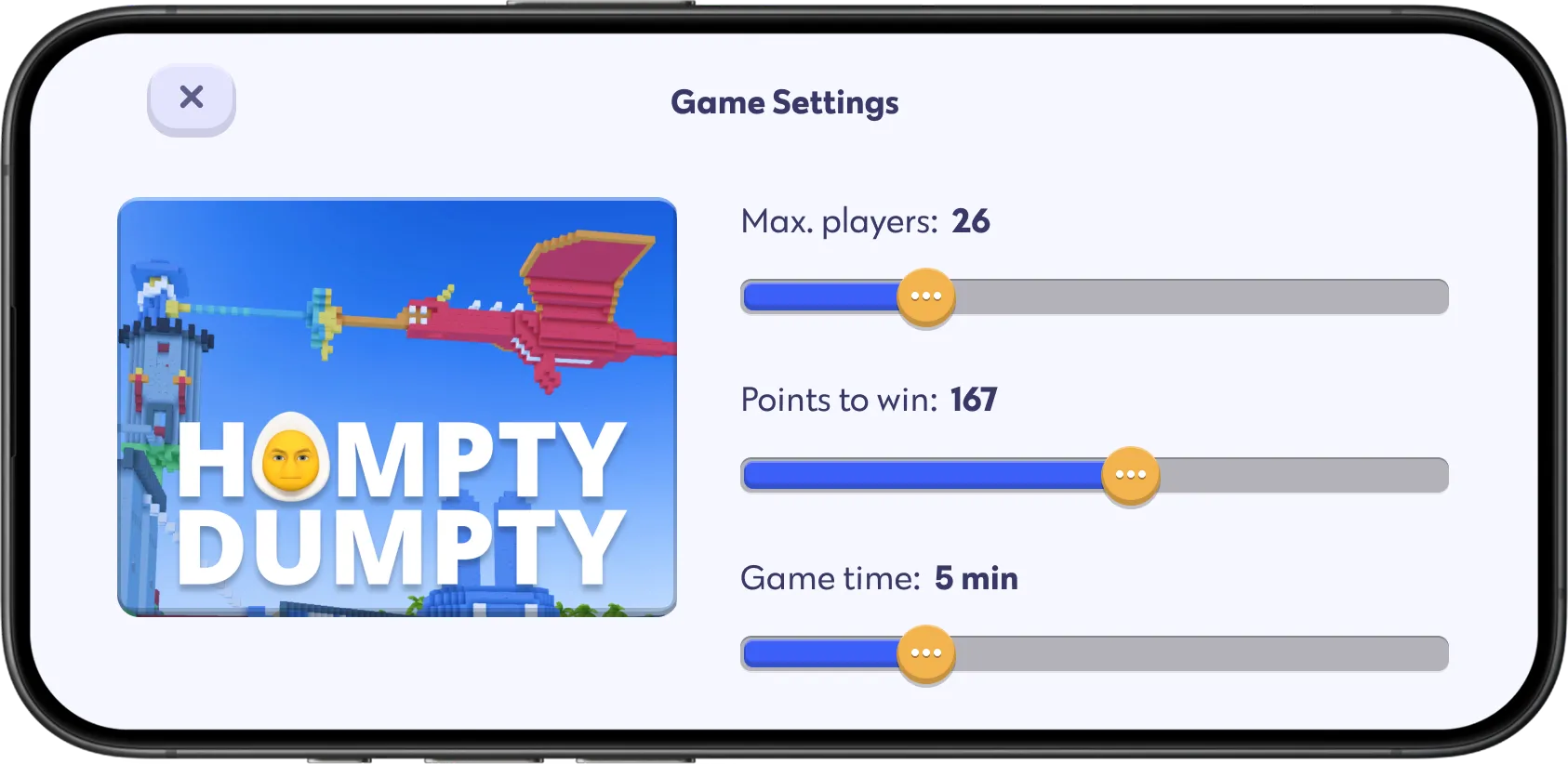

About the Project
Chudo was a mobile platform designed for creating and playing games right on your phone.
Users could craft custom 3D worlds, style avatars, forge weapons, publish games to a built-in marketplace and play levels created by others.
The core challenge was unifying two distinct experiences: player mode and creator mode.
We needed to make building and playing feel like two sides of the same coin rather than two separate apps glued together.
My Role
As the only designer on the team, I owned the entire product experience.
My scope spanned the 3D world editor, avatar customization, object creation tools, weapon workshop, in-game chat, publishing flows and key parts of the virtual economy.
It was a massive systemic challenge.
I had to design intuitive interfaces for vastly different mindsets, whether a user was casually playing a game, building a scene, customizing an avatar or preparing a world for launch.
Starting Point
When I joined, the engineering team had already built a functional multiplayer engine.
However, the product lacked an accessible creation workflow.
My task was to translate heavy technical capabilities into a clean mobile UI that anyone could pick up.
I started with the world building mode since it served as the anchor for the rest of the app.

Game World Editor
The world editor was the heart of Chudo.
Rather than a single screen, it was a suite of connected tools made for landscape mobile screens.
It had four primary layers:
Block building. Placing and coloring basic voxel cubes.
Structure management. Grouping blocks into reusable 3D assets.
Weapon workshop. Designing custom weapons and tuning gameplay stats.
World settings. Defining game rules, environmental conditions and win triggers.
The main UX hurdle was packing these capabilities into a mobile interface without turning it into a dense desktop tool.
The controls had to feel natural even for players who had never opened a level editor before.
Block Building
World building relied on simple voxel cubes.
Users selected block types, picked colors and placed them directly into the 3D space to construct platforms, buildings and scenery.
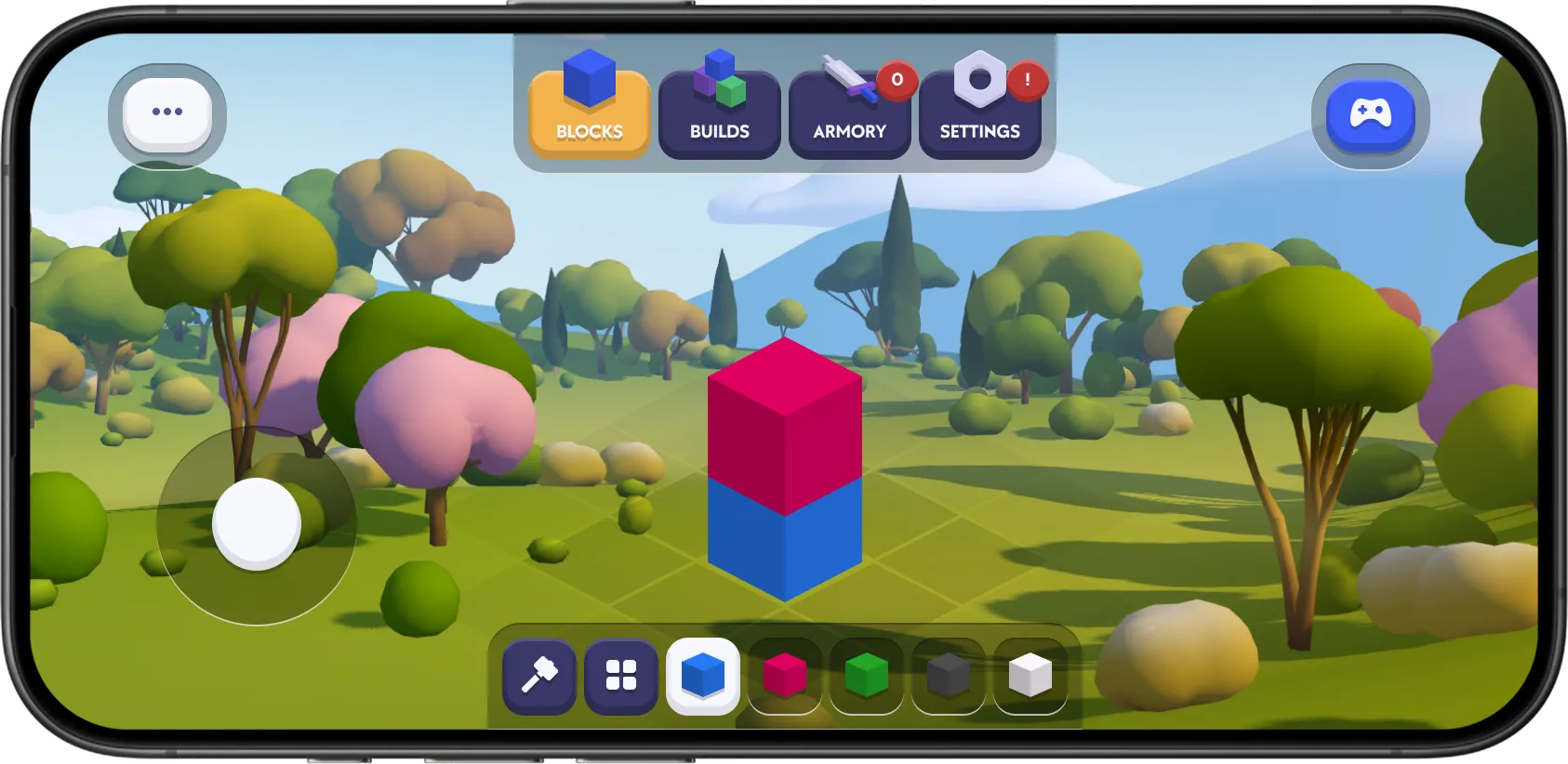
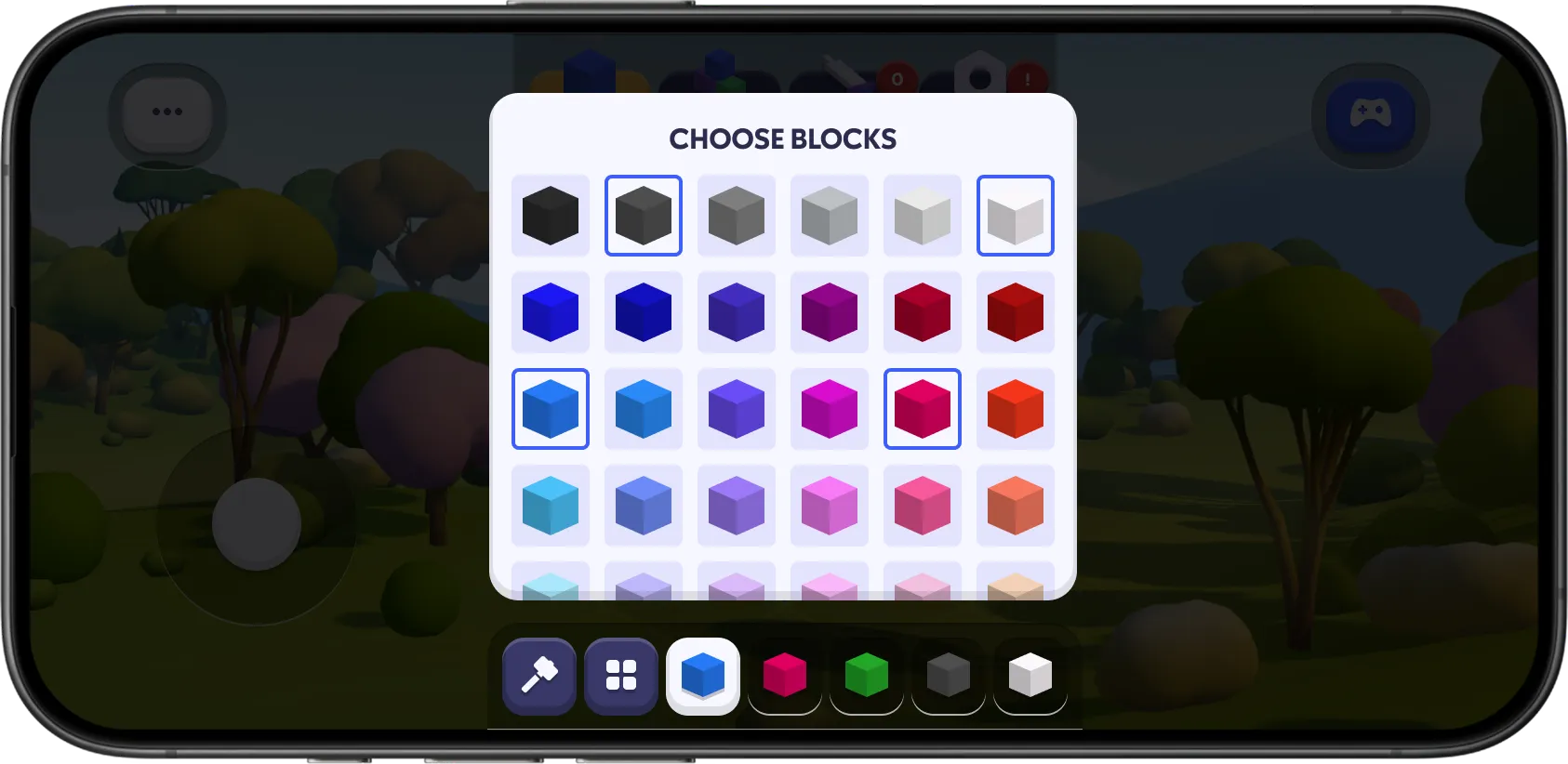
I kept the interaction loop as fast as possible: pick a block, tap to place, tweak the color and keep going without dipping into deep submenus.
Structures and Assets
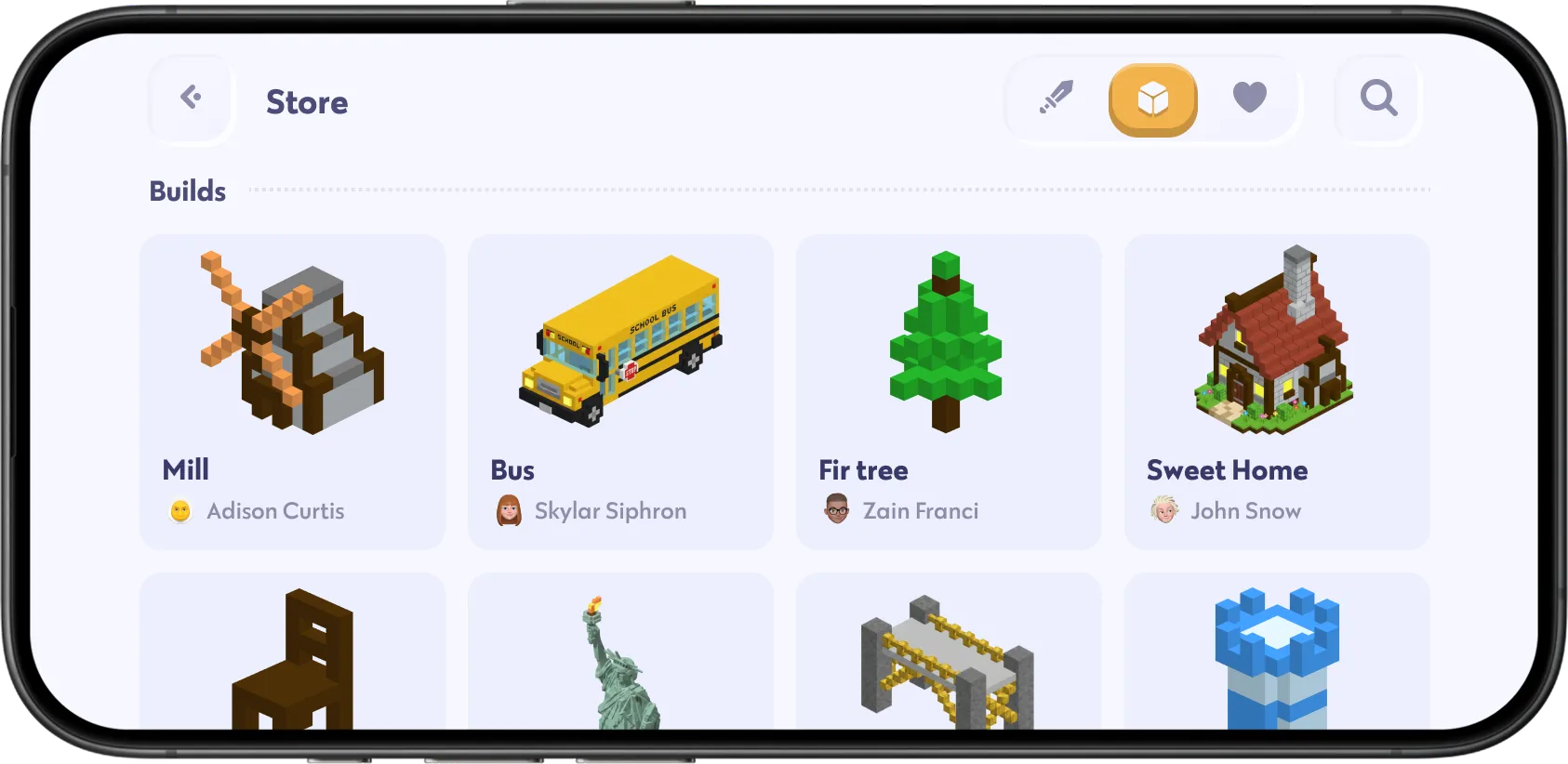
To speed up building, users could group multiple blocks into a single structure.
Once saved, these custom assets could be moved around, reused or published to the community marketplace.
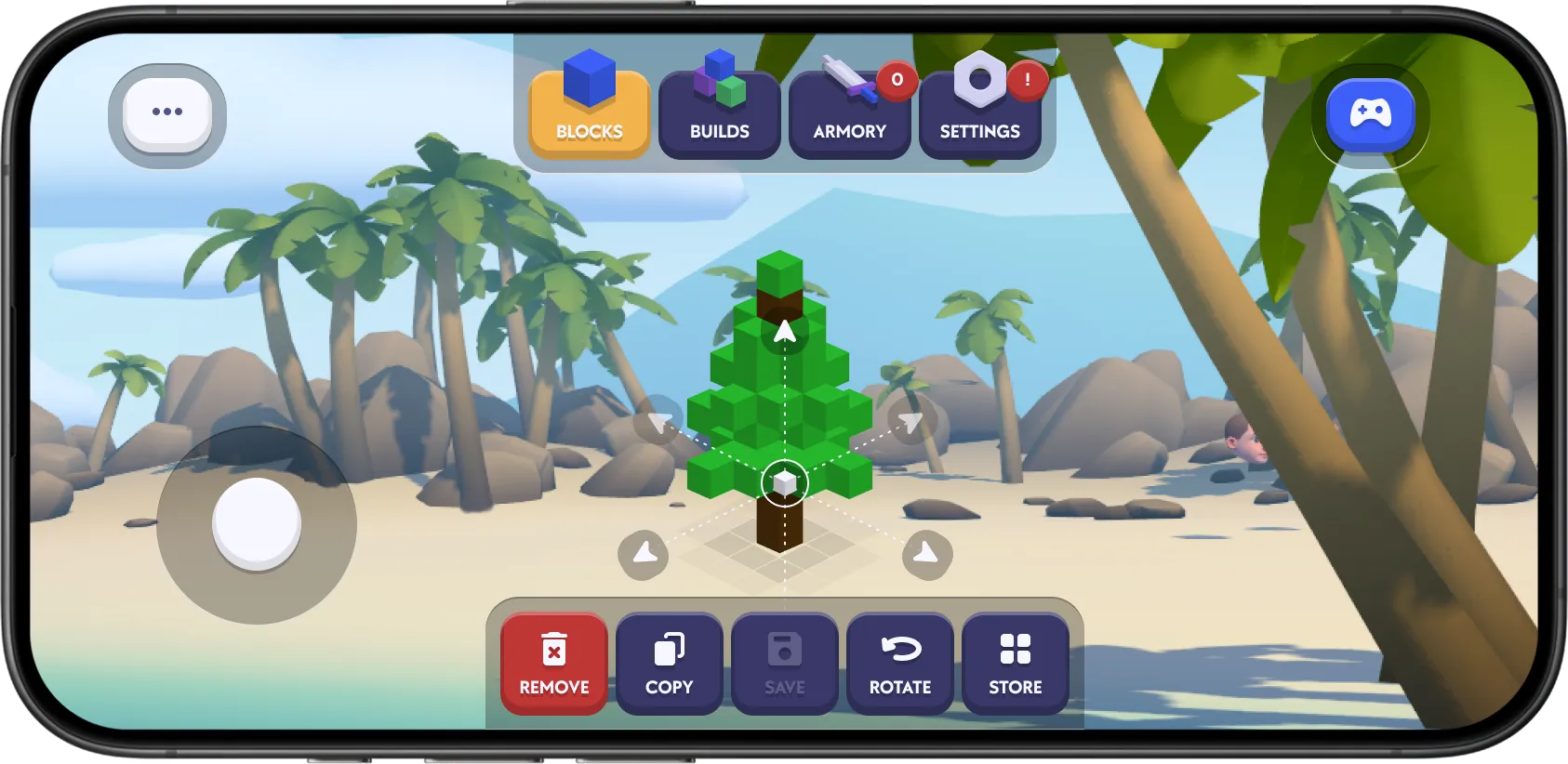

Players could import assets built by others into their own levels, fueling a shared creator ecosystem.
Weapon Workshop
The weapon workshop functioned as a dedicated item editor.
Players could assemble custom guns or melee tools, style their look and configure gameplay stats like damage and fire rate.
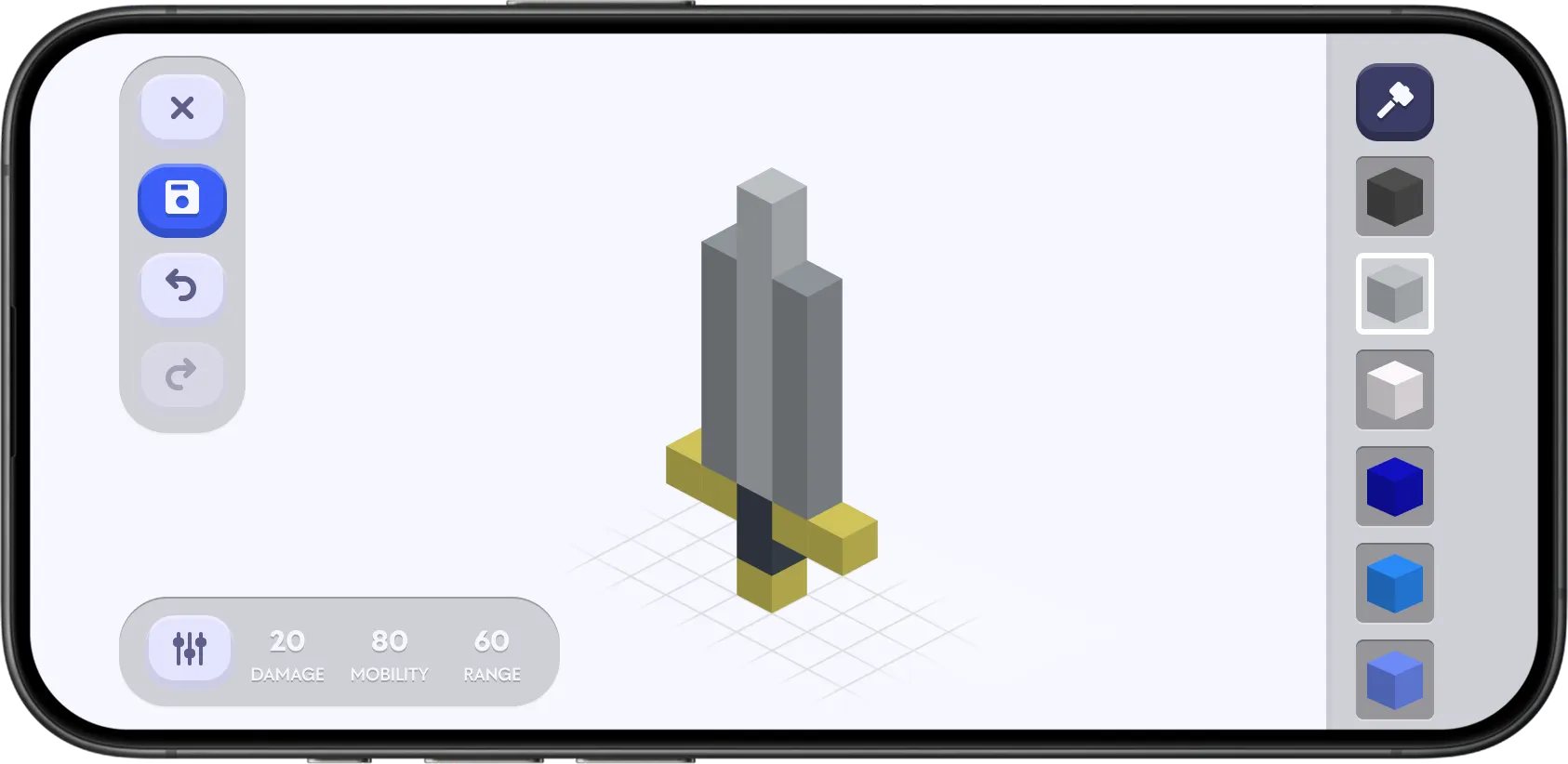
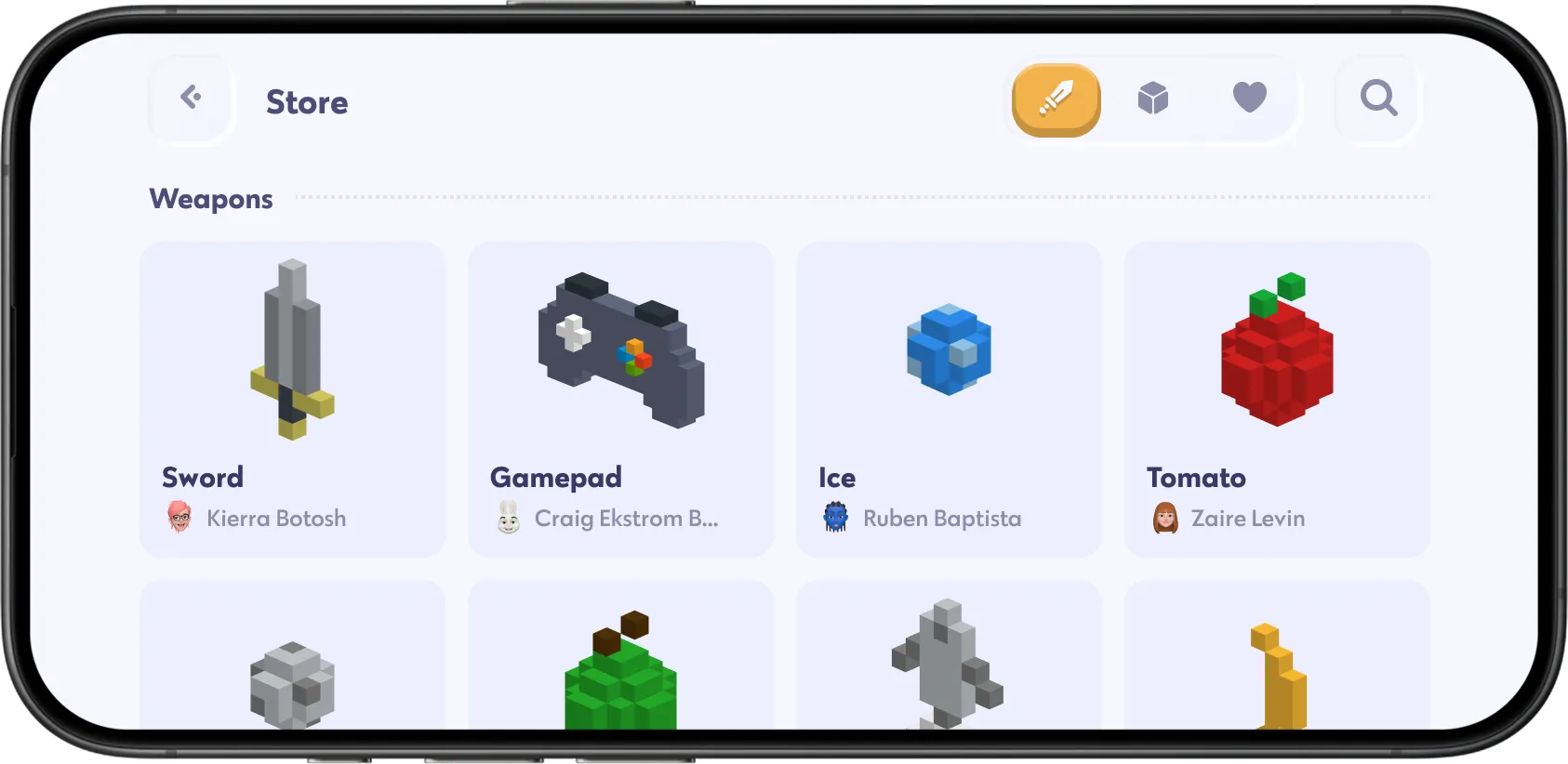
Finished weapons could be placed in the user's game or published for the community to use.
Character Customization
Avatar customization gave players a personal identity across the platform.
Users could swap heads, outfits, accessories and color palettes.
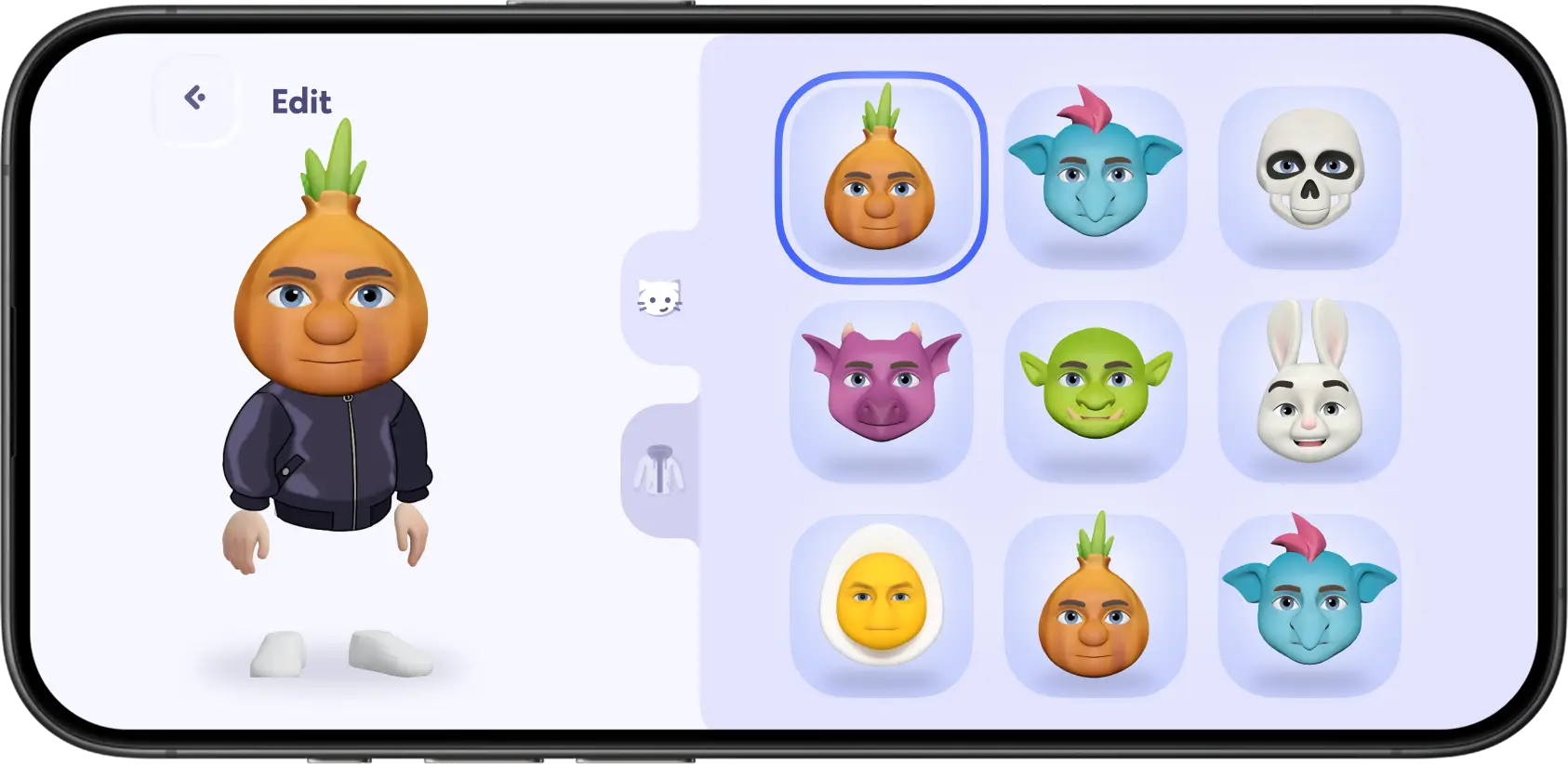

The goal was to offer expressive personal styling through a light, fun interface that got players back into the action quickly.
Preparing a Game for Publication
Creating a world was only half the loop; Chudo was also a distribution platform.
Once a level was finished, creators could package their game with a title, cover art and description.
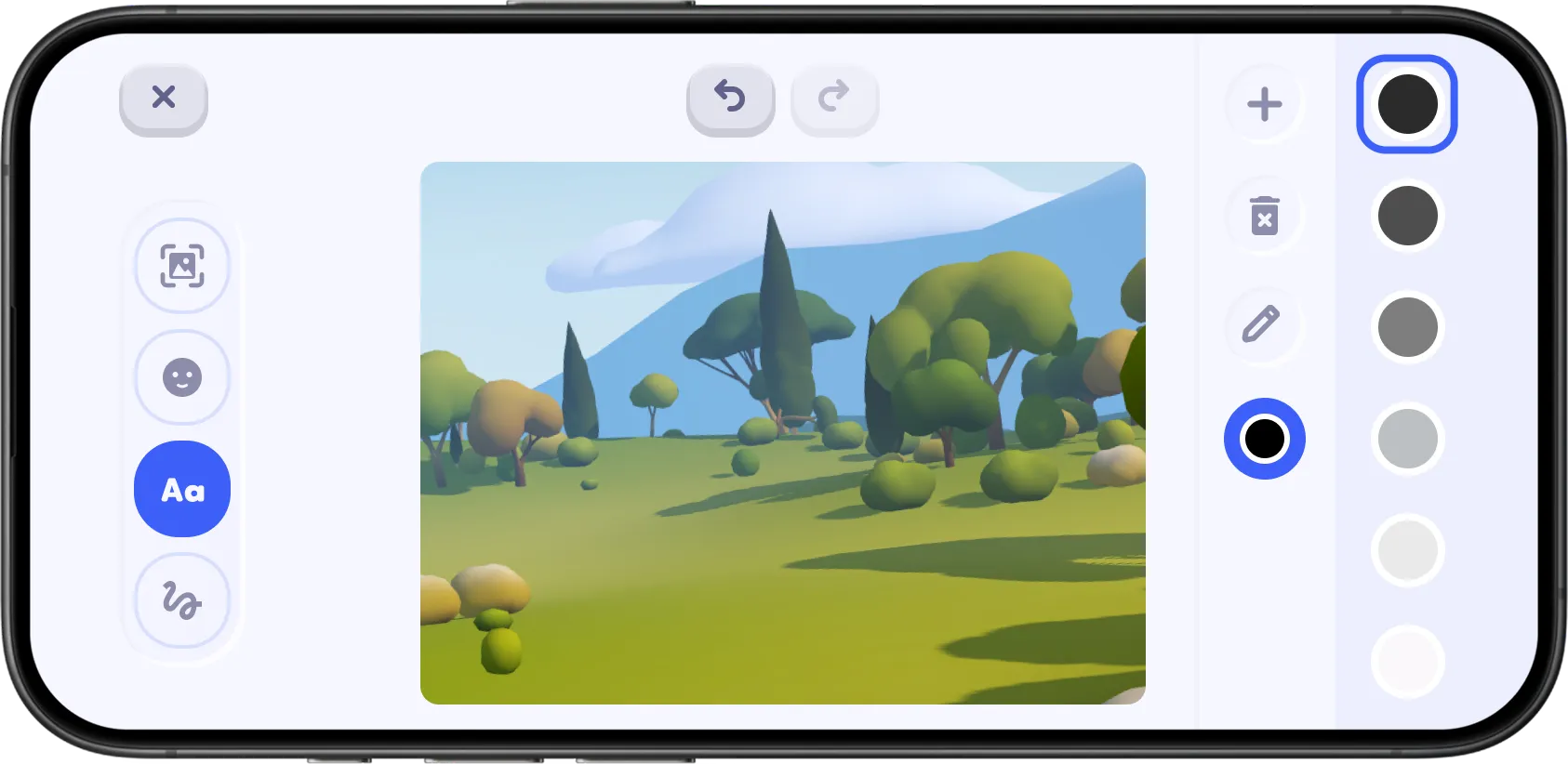
This transformed a personal project into a standalone game ready for the public feed.
Outcome
Chudo launched on the App Store and quickly gained active traction.
Players built levels, styled characters and shared custom assets every day.
While server scalability and technical architecture hurdles eventually led to the project being sunsetted, the design system and user experience were fully realized and used by thousands of players.
Conclusion
Chudo was one of the most complex systemic projects of my career.
It forced me to think beyond individual screens and architect an entire creator ecosystem from creation logic and game mechanics to social publishing.
It was a great lesson in hiding extreme technical complexity behind an approachable mobile interface.
